



Airtable and Google Sheets are two of the most popular cloud-based spreadsheet tools available today. Airtable is a relational database management system often used for project management, content planning, and other team-based tasks. Google Sheets is a spreadsheet tool that is part of Google Workspace, and it is used for everything from personal finance tracking to project management.
If you’re considering using one of these tools, it’s important to understand their differences and which is best suited for your needs. In this comprehensive guide, we will explore the key features and functionalities of Airtable and Google Sheets, as well as their use cases, user interface, collaboration and integration, pricing and plans, security and privacy, and pros and cons.
Key features and functionalities
Airtable and Google Sheets have different features and functionalities that make them unique. Here’s a breakdown of the key features and functionalities of both tools:
Airtable features
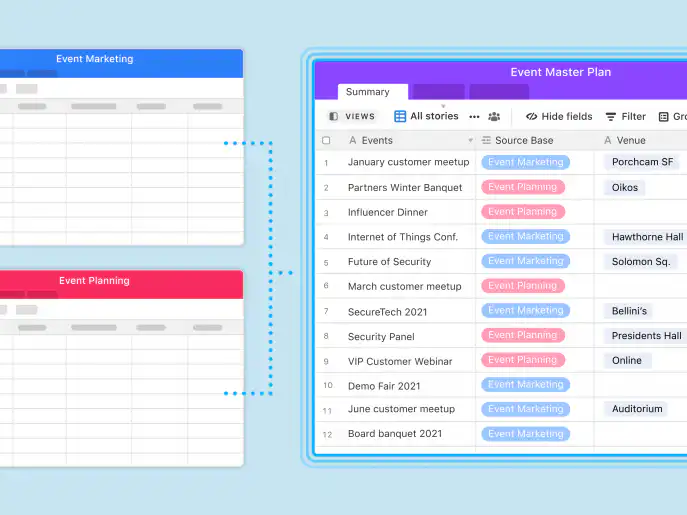
- Relational database management system
- Customizable grids for data entry and tracking
- Ability to add attachments, comments, and collaborators to each record
- Pre-made templates for everyday use cases
- Automation and integrations with other tools
- Mobile app for iOS and Android
- Built-in AI features, such as Airtable AI and AI agents, depending on your plan
Google Sheets features
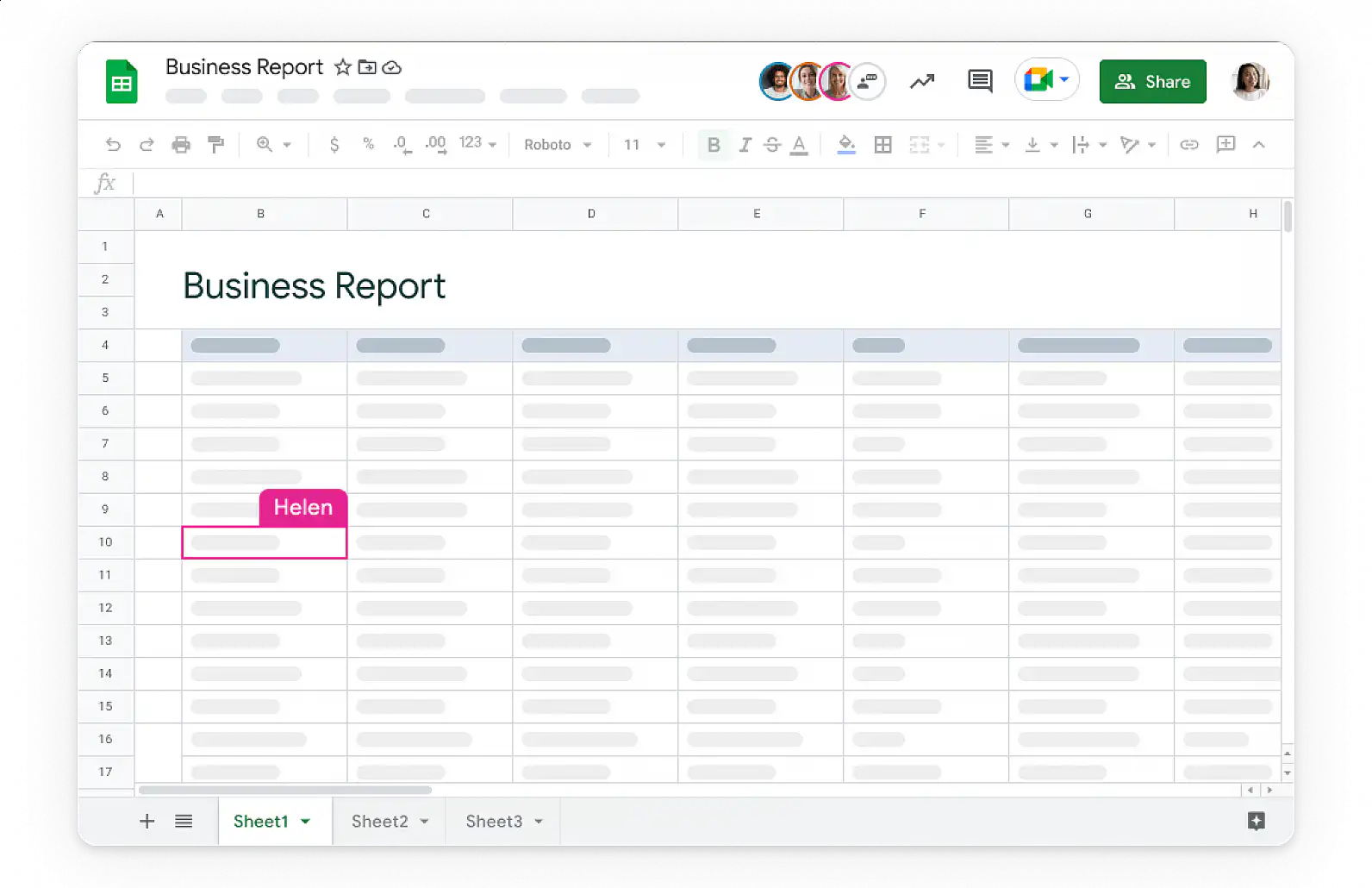
- Spreadsheet tool with basic formatting and calculation options
- Accessible from any device with internet access
- Ability to share and collaborate in real-time with others
- Built-in charts and graphs
- Integration with other Google Workspace apps like Google Docs and Google Slides
- Mobile app for iOS and Android
- Gemini in Google Sheets to help with formulas, tables, and summaries, on eligible Google Workspace plans
Use cases
Airtable and Google Sheets are used for a variety of purposes. Here are some common use cases for both tools:
Airtable use cases
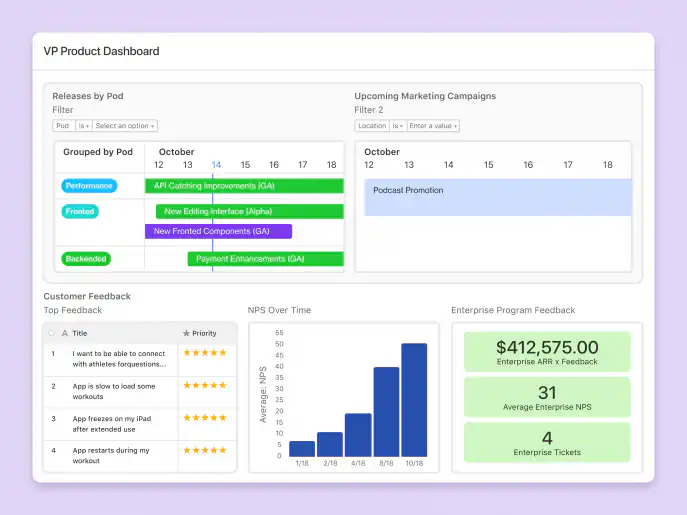
- Project management and task tracking
- Content planning and management
- Event planning and RSVP tracking
- Inventory management and tracking
- Customer relationship management
- Data analysis and reporting
Google Sheets use cases
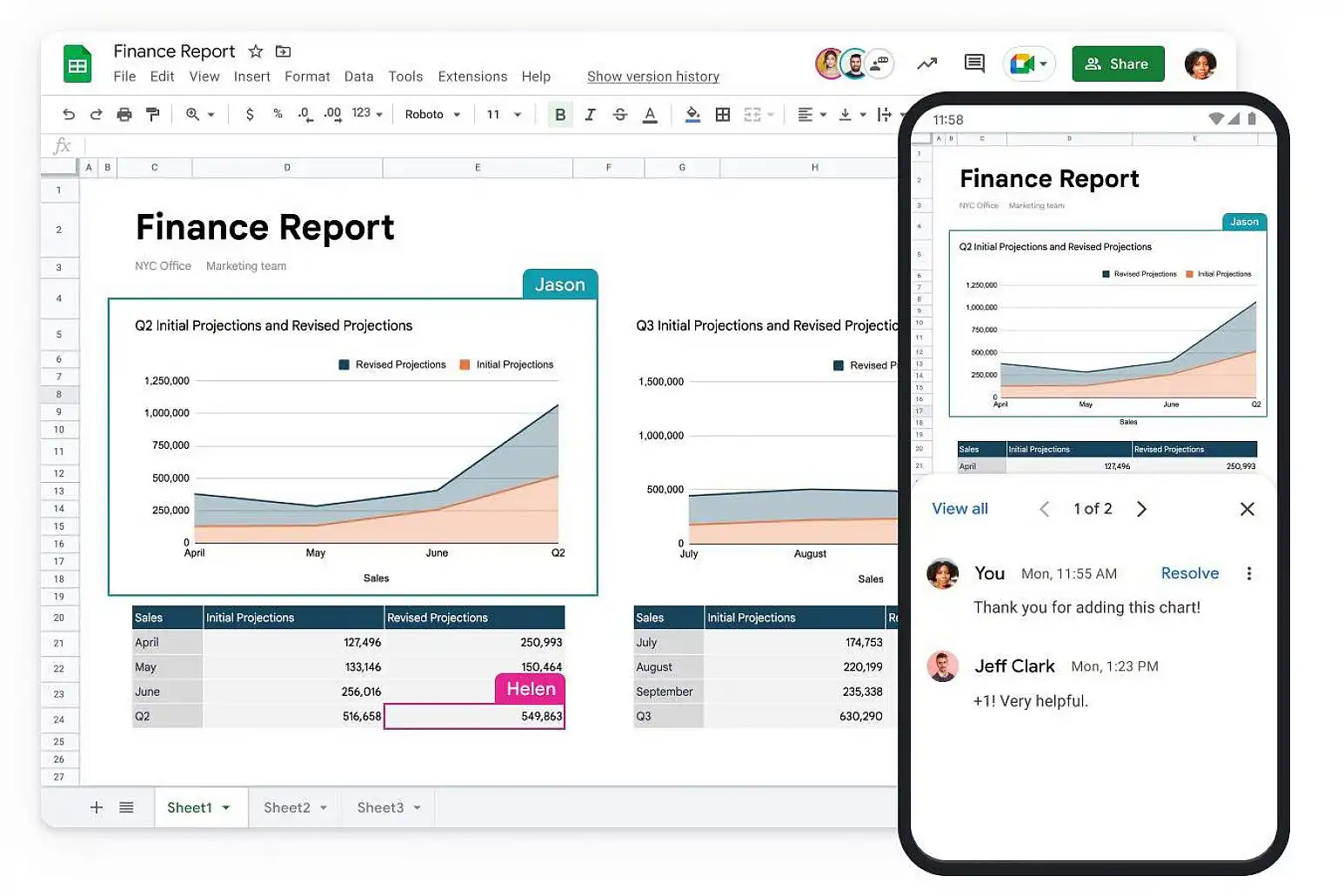
- Personal finance tracking and budgeting
- Simple data tracking and analysis
- Basic project management
- Collaborative note-taking and documentation
- Data visualization and reporting
When choosing between Airtable and Google Sheets, it’s important to consider your specific use case and the features and functionalities you’ll need to achieve your goals.
User interface and ease of use
A tool’s user interface and ease of use can significantly impact its usability and effectiveness. Here’s a breakdown of the user interface and ease of use of Airtable and Google Sheets:
Airtable user interface
- Customizable grids and views for data entry and tracking
- Drag-and-drop functionality for reordering records and fields
- Ability to add attachments, comments, and collaborators to each record
- Intuitive mobile app for iOS and Android
Google Sheets user interface
- Simple interface with basic formatting and calculation options
- Accessible from any device with internet access
- Easy to share and collaborate in real time with others
- Mobile app for iOS and Android
While Airtable offers more customizable options and features, Google Sheets is more straightforward and easier to use for simple data tracking and analysis.
Collaboration and integration
Collaboration and integration are critical considerations when choosing a spreadsheet tool, especially for teams. Here’s a breakdown of the collaboration and integration features of Airtable and Google Sheets:
Airtable collaboration and integration
- Real-time collaboration with multiple users
- Ability to assign tasks and track progress
- Integration with third-party tools like Slack, Trello, and Zapier
- Customizable automations for workflow optimization
Google Sheets collaboration and integration
- Real-time collaboration with multiple users
- Commenting and chat functionality for collaboration
- Integration with other Google Workspace apps like Google Docs and Google Slides
- Ability to use add-ons for additional functionality
Both Airtable and Google Sheets offer real-time collaboration and integration with other tools, but Airtable’s customizable automations and integrations with third-party tools give it an edge for teams with complex workflows.
If you use both, you can move data between them. Download any Airtable view as a CSV file and import it into Google Sheets, or use Zapier (or one of these Zapier alternatives) to add a row to Google Sheets each time a new record is created in Airtable.
Pricing and plans
Pricing and plans are essential considerations when choosing a spreadsheet tool. Here’s a breakdown of the pricing and plans for Airtable and Google Sheets:
Airtable pricing and plans
- Free plan with limited features and up to 1,000 records per base
- Paid plans starting at $20 per seat per month on the Team plan (billed annually), with more features and higher record limits
- Enterprise Scale plan with custom pricing and additional features like advanced security and priority support
Google Sheets pricing and plans
- Free with a personal Google account, which includes 15GB of storage shared across Gmail, Google Drive, and Google Photos
- Paid plans starting at about $7 per user per month for Google Workspace Business Starter (billed annually, US pricing), with more storage and additional features like advanced security and priority support
- Google Workspace plans with access to all Google apps and features
Both Airtable and Google Sheets offer free plans with basic features, but Airtable’s paid plans offer more advanced features and higher record limits. Google Sheets is included in Google Workspace plans, which provide access to all Google apps and features. Prices change often and vary by region, so check both pricing pages before you decide.
Security and privacy
Security and privacy are important considerations when choosing a cloud-based spreadsheet tool. Here’s a breakdown of the security and privacy features of Airtable and Google Sheets:
Airtable security and privacy
- SSL encryption for secure data transfer
- Granular permissions for data access and sharing
- Two-factor authentication for added security
- Compliance with GDPR, CCPA, and other data protection regulations
Google Sheets security and privacy
- Data encrypted in transit and at rest
- Sharing permissions for each file (viewer, commenter, or editor), plus protected sheets and ranges
- 2-Step Verification for Google accounts
- Compliance certifications such as ISO/IEC 27001 and SOC 2, plus GDPR support
Both Airtable and Google Sheets offer similar security and privacy features, including SSL encryption, granular permissions, and compliance with data protection regulations.
Pros and cons
To summarize the information presented in this guide, here are the pros and cons of Airtable and Google Sheets:
Airtable pros
- Customizable grids and views for data entry and tracking
- Pre-made templates for common use cases
- Automations and integrations with other tools
- Real-time collaboration with multiple users
Airtable cons
- Higher pricing for advanced features and higher record limits
- Steeper learning curve for users new to relational databases
Google Sheets pros
- Simple interface with basic formatting and calculation options
- Accessible from any device with internet access
- Real-time collaboration with multiple users
- Integration with other Google Workspace apps
Google Sheets cons
- Limited customization options for grids and views
- Limited functionality for complex workflows and data analysis
Conclusion
Airtable and Google Sheets are both powerful cloud-based spreadsheet tools, but they have different features and functionalities that make them unique. When choosing between these tools, it’s important to consider your specific use case, the features and functionalities you’ll need, and your budget.
By understanding the differences between Airtable and Google Sheets, you can make an informed decision that will help you achieve your goals more efficiently and effectively.
If you’re also weighing Excel, read our Google Sheets vs Microsoft Excel comparison. And if your team tracks its finances in Google Sheets, Sheetgo’s AI finance virtual employee can pull the numbers from your spreadsheets into one report that stays up to date.

 English
 Español
 Português do Brasil
 Français