




What are financial planning tools?
Business financial planning tools are software applications that help businesses plan, track and manage their finances. These tools provide powerful insights into cash flows, budgeting, forecasting, investment strategies, and more. They help businesses of all sizes make sound financial decisions that ultimately lead to success.
The business financial planning software market has seen rapid growth in recent years with the emergence of a wide variety of tools available for businesses to use. These tools provide powerful insights into cash flows, budgeting, forecasting, investment strategies, and more. They can be used to make sound decisions about financial planning for both short-term and long-term objectives.
When evaluating business financial planning software tools, it is crucial to consider the features that are most important for your business. Popular features include budgeting, forecasting tools, investment analysis, and reporting capabilities. It is also essential to consider the cost of the software, the customer service, support, and the user experience.
Businesses should also consider the features of each business financial planning software tool to determine which one is the best fit for their specific needs. Some tools provide detailed financial forecasting and analytics, while others are more geared toward cash flow and investment management. There are also software tools that offer integrations with other accounting systems and CRM services, making creating a comprehensive financial data system easy.
What are the types of financial planning software?
Financial planning software comes in a variety of different forms and can be used for a variety of purposes. Here are some of the most popular types of financial planning software:
- Budgeting Software: Budgeting software is designed to help businesses track their income and expenses. It also allows companies to set up budgets tailored to their specific needs, allowing them to plan for both short-term and long-term objectives.
- Forecasting Software: Forecasting software helps businesses understand their current financial situation and predict future performance. It is often used to identify potential risk areas and develop strategies to mitigate them.
- Investment Analysis Software: Investment analysis software helps businesses understand the market dynamics of different investments, allowing them to make smarter decisions about where they should put their money. It can also provide insights into the performance of different investments.
- Reporting Tools: Reporting tools provide businesses with insights into their financial data, allowing them to track key performance indicators and make necessary adjustments as needed. These tools also enable companies to create custom reports that can be shared with other stakeholders.
With so many business financial planning software tools available, it is vital to find the right one for your business. By taking the time to evaluate each tool and its features, you can ensure that you choose a financial planning tool that best meets your needs and helps you take your business to the next level.
To help narrow down your choices, we’ve compiled a list of some of our top picks for business financial planning software tools.
What are the best financial planning tools?
1. Sheetgo
Sheetgo is an AI-powered data automation platform that helps finance teams run their FP&A processes in Google Sheets and Excel with fewer manual steps. It connects spreadsheets and other data sources into automated workflows, so figures from different files land in one place on a schedule.
Sheetgo key features include:
- AI virtual employees: Hand recurring finance work, such as collecting monthly figures and updating reports, to an AI finance virtual employee.
- Automate & Schedule: Schedule recurring data collection and distribution tasks.
- Integrate & Sync: Connect to your tech stack and sync all your data in one place.
- Visualize & Report: Generate and share reports with real-time data and actionable decisions.
2. Intuit QuickBooks
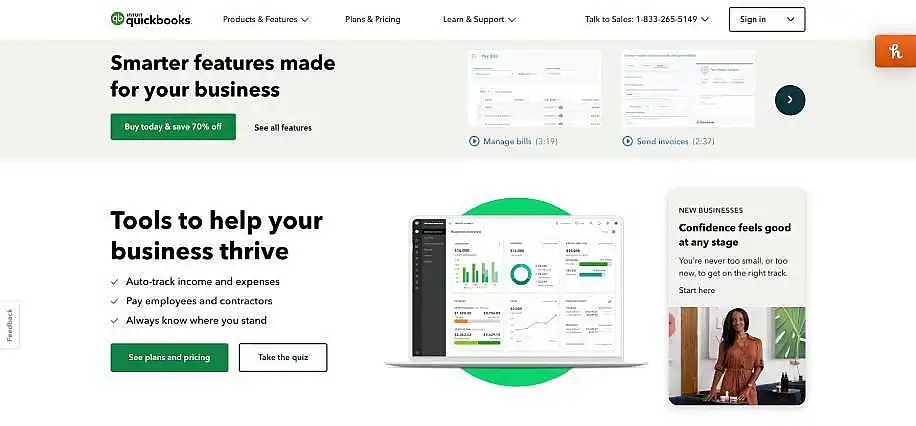
Intuit QuickBooks is one of the most popular financial planning software tools available today, and it offers a variety of features that make it an attractive choice for businesses.
One of the benefits of using Intuit QuickBooks for financial planning is its ability to integrate with other accounting software and services, making it easy to transfer and track data between systems. QuickBooks also offers advanced analytics tools, allowing users to easily create reports on financial performance and make better business decisions. It also has a user-friendly interface, making it easy to navigate and use for even the most novice users.
Finally, Intuit QuickBooks offers several plans that fit different business needs and budgets, allowing users to get the most out of their financial planning software. With all these great features and options, Intuit QuickBooks is a great choice for any business looking to streamline its financial planning. Whether you’re an experienced business person or a novice, Intuit QuickBooks is an ideal tool to help you plan your finances and reach your goals.
3. Microsoft Dynamics GP

Microsoft Dynamics GP is another popular financial planning software tool, offering users a wide range of features and benefits. One of the main advantages of using Microsoft Dynamics GP is its ability to integrate with other accounting software, including QuickBooks and Microsoft Excel. This integration makes it easy to transfer data between systems and accurately track financial performance.
4. Workday Adaptive Planning
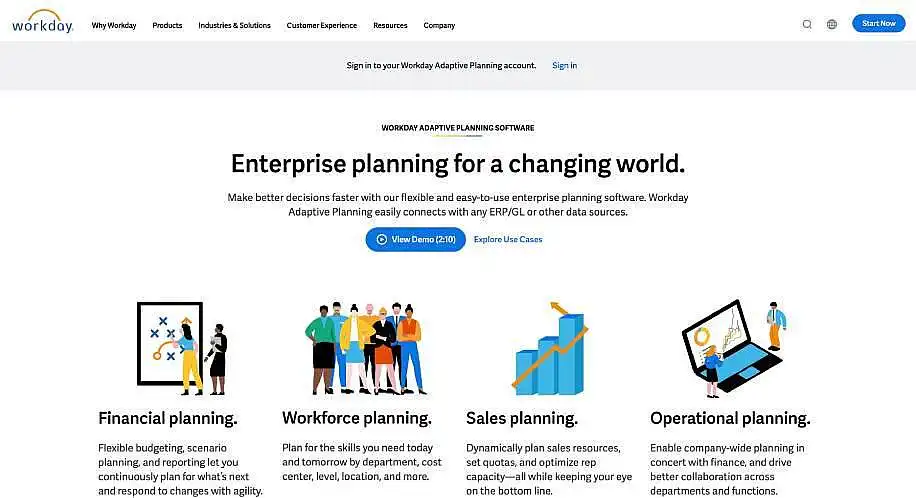
Workday Adaptive Planning is an intuitive financial planning software tool. It offers a variety of features that make it ideal for businesses of all sizes, including budgeting and forecasting tools, reporting capabilities, and a user-friendly interface. Adaptive Planning also provides users with real-time data integration, allowing them to quickly make decisions and take action when needed.
5. Xero
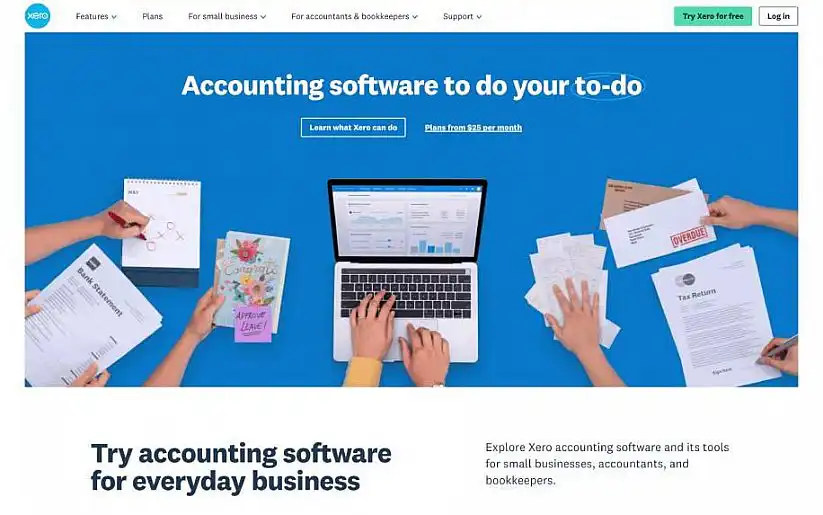
Xero is an award-winning accounting and financial planning software solution. It allows users to easily manage their finances, track performance, and generate reports, all within a single platform. It also includes features like automatic bank reconciliation and cash flow forecasting, making it easy to stay on top of finances.
Additionally, Xero allows users to access their data from any device, making it a great choice for businesses on the go.
6. Coupa
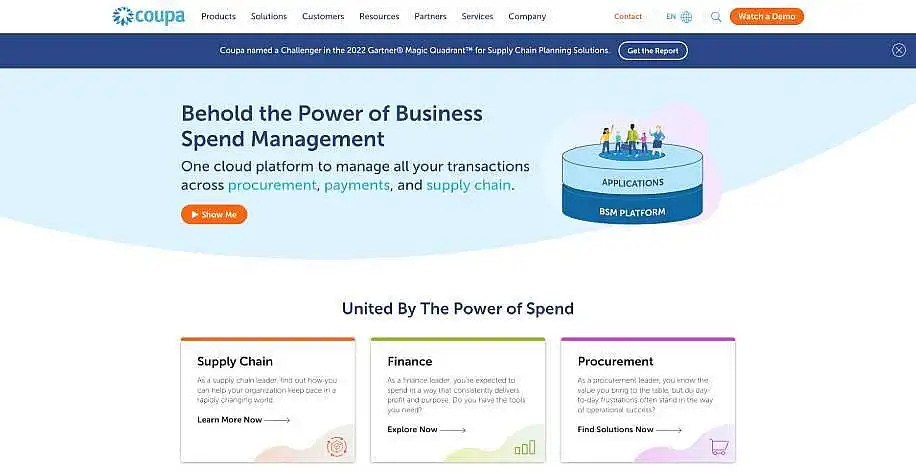
Coupa is an enterprise resource planning (ERP) and financial planning software solution designed to help businesses streamline their operations and optimize performance. It offers users a variety of features that make it ideal for budgeting and forecasting, including real-time data integration, reporting capabilities, and automated invoice and payment processing.
Coupa’s single Business Spend Management platform will let you throttle down spend quickly, make cuts that don’t injure your business, and eliminate rogue purchasing throughout your company.
7. Sage Intacct

Sage Intacct is an advanced financial planning software designed for businesses of all sizes. It provides users with tools for budgeting, forecasting, and reporting.
Sage Intacct Planning has all the capabilities you need for modern planning, budgeting, forecasting, what-if scenario modeling, reporting, and data visualization. And with spreadsheet-like formulas and intuitive pre-built functionality, it’s easy and affordable to get started. Sage Intacct’s cloud planning application automates the manual, time-consuming, error-prone work and lets users and their teams focus on strategic planning and analysis that help the business grow and thrive.
8. Vena Solutions

Vena Solutions is a cloud-based financial planning software that provides businesses with budgeting, forecasting, and reporting tools. It also offers a variety of features that make it easy to share financial data with stakeholders.
Vena’s revenue planning software allows users to perform driver-based revenue budgeting and forecasting so they can instantly perform what-if scenario analysis. Vena will automatically highlight exceptions in your resource capacity, and pipeline velocity to make it easy to spot the resulting impact on KPIs, critical success factors, and financial results.
9. Board

Board is a comprehensive financial planning software solution that helps businesses create budgets, track cash flow, and monitor investments. It also includes powerful analytics capabilities that help companies get the most out of their financial data.
Unlike spreadsheets, Board’s multidimensional enterprise planning system is based on a single shared data repository and offers data validation, workflow, enterprise-class security, audit trail, and versioning capabilities. This enhances control and efficiency across the entire planning process – making it fully reliable in terms of results and significantly less onerous in terms of time and resources.
10. Planful

Planful is a cloud-based financial planning software that provides businesses with tools for budgeting, forecasting, and reporting. It also includes powerful analytics capabilities that help companies get the most out of their financial data.
Planful brings automation and collaboration to teams by aligning corporate strategy to business execution. Users can take advantage of pre-built templates, managed workflows, and intuitive collaboration to enhance every conversation and focus on their most urgent business needs.
11. Jirav
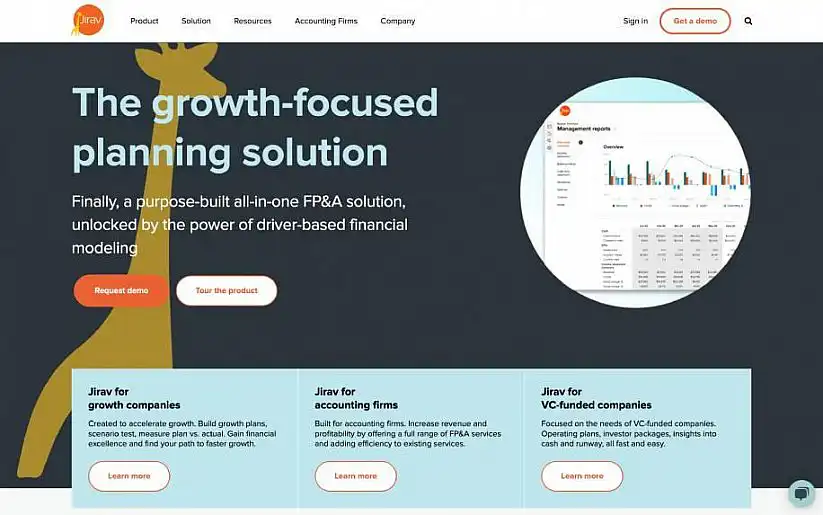
Jirav is an intuitive financial planning software tool that helps businesses create budgets, track cash flow, and monitor investments.
Jirav’s financial modeling software makes creating and updating financial forecasts and budgets easier. Users can quickly build sophisticated plans and models, then make adjustments and automatically roll forward their plan so they can spend more time on strategy and less time in spreadsheets.
12. Cube Software
Cube is an easy-to-use financial planning software that helps businesses create budgets, forecast cash flow, and generate reports. It also includes features for sharing financial data with other stakeholders.
Using Cube, you can seamlessly model how changes to key assumptions affect overall outputs. Then, build and share customizable dashboards and reports from reusable templates to flexible ad-hoc reporting.
13. Anaplan

Anaplan is a comprehensive financial planning software solution that helps businesses create budgets, forecast cash flow, and generate reports. It also includes powerful analytics capabilities that help companies get the most out of their financial data.
Anaplan empowers users to take control of their outcomes with multi-dimensional scenarios at every scale of their business. They can model potential outcomes based on real-time operational metrics and projected strategies while sharing insights across their businesses so they can act with informed confidence.
Conclusion
By choosing the right financial planning software for your business, you can make smarter decisions about where to invest your money and how to manage your business finances more efficiently. Take the time to evaluate each of these top financial planning software tools and find the best one for your business needs.


 English
 Español
 Português do Brasil
 Français