



What is Google Sheets?
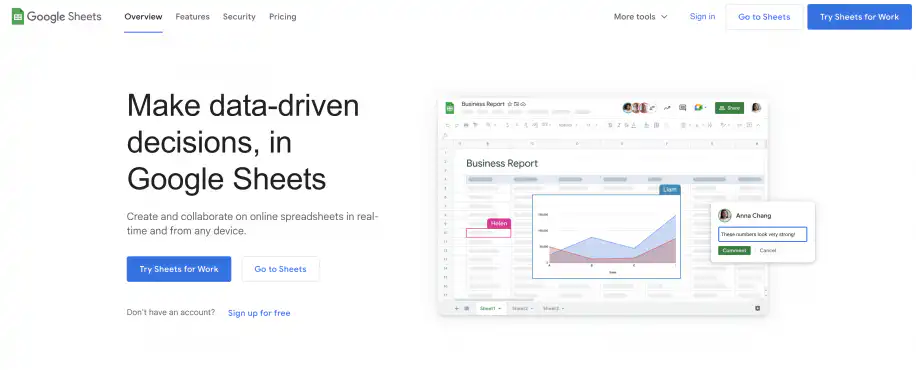
Google Sheets is a cloud-based spreadsheet application that allows users to create and format spreadsheets and store them in Google Drive. It also enables collaboration on documents with multiple users at once, as well as real-time editing of documents. Google Sheets offers several security features designed to protect user data and give control over who has access to information.
How secure is Google Sheets?
In general, Google Sheets is very secure. All files stored in the cloud are encrypted at rest and in transit, meaning that no one else can view or modify your files without permission from you. Also, all changes made to documents are tracked in the version history, so you know precisely what has been changed by whom. Additionally, when sharing documents with other users, you have the option to set levels of access and privileges. You can decide who can view, edit or comment on your document.
The data stored in Google Sheets is also securely backed up and regularly synchronized with the cloud. Your data is automatically saved to Google’s servers, so it can be easily recovered if your computer crashes or you accidentally delete a file.
Google Sheets also allows you to use two-factor authentication for additional protection of your data. This means that in order to sign into your account, you must enter your password and complete a second step, such as a code or a prompt on your phone.
Is Google Sheets encrypted?
Yes. Google encrypts Google Sheets files at rest with 256-bit AES and in transit with TLS, the same protection it uses across Google Drive. Google manages the encryption keys, so this is not end-to-end encryption. Some Google Workspace plans add client-side encryption, which lets an organization hold its own keys.
How secure is Google Sheets file sharing?
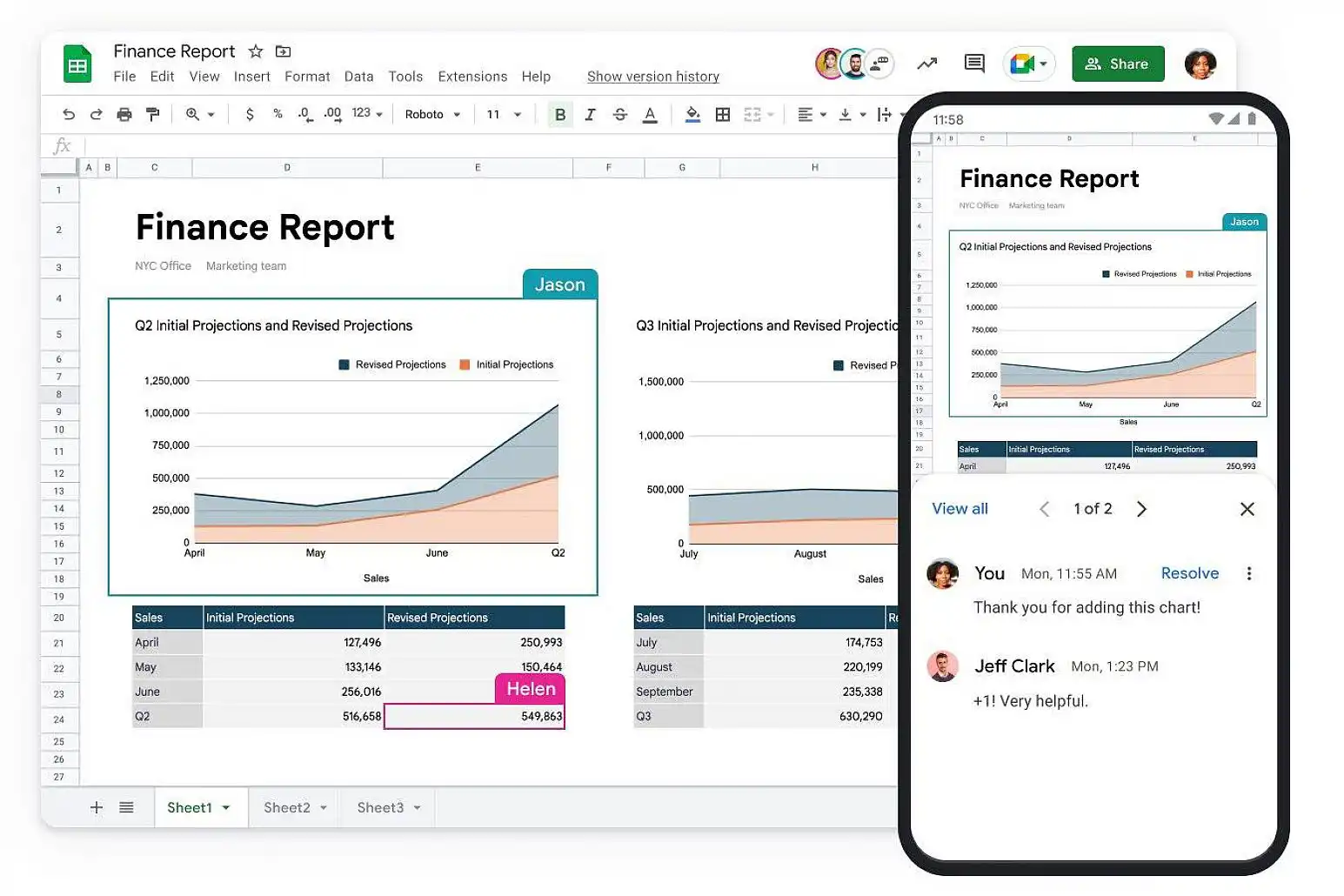
Google Sheets can be shared with other users, and the sharing settings can be adjusted to limit access. When you share a document, you have the option to choose what type of access a user can have. This could range from viewing only to commenting and editing the document. You also have the ability to revoke access at any time.
However, when you share a Google Sheet, you can only share the entire spreadsheet, exposing all the data to your collaborators. If you only want to share part of a spreadsheet, such as a single tab, see how to share only one tab in Google Sheets. Another option is to copy just the tabs or ranges you need into a separate file and share that file instead.
How secure are passwords on Google Sheets?
Google Sheets uses robust encryption algorithms to protect your data. Your Google account password is protected by Google and is never visible to the people you share a spreadsheet with. Google requires a password of at least 8 characters and recommends a mix of letters, numbers, and symbols. Google Sheets has no option to put a password on a single file, but you can lock and protect a Google Sheet so that only the people you choose can edit it.
Is Google Sheets HIPAA compliant?
Google Sheets can be used in a HIPAA-compliant way, but only through a Google Workspace account whose organization has signed Google’s Business Associate Agreement (BAA). Personal Google accounts are not covered. The Health Insurance Portability and Accountability Act (HIPAA) requires that medical information be securely stored and accessed. Google Sheets meets the requirements of HIPAA by using advanced encryption technology to secure data, providing users with customizable permission settings for sharing documents, and allowing for two-factor authentication. Additionally, Google Sheets also offers audit logs that show who has accessed your data and what changes have been made.
Google Sheets security tips
Although Google Sheets is already secure, there are a few extra measures you can take to ensure your data remains safe.
- Enable two-factor authentication for added protection.
- Be careful when sharing documents with people outside of your organization.
- Regularly check for suspicious activity in your account.
- Use strong passwords and change them frequently.
- Regularly review who has access to your documents and adjust permissions as needed.
- Enable an audit log so that you can track any changes made to your spreadsheets.
- Store sensitive information in a secure, encrypted file.
- Enable download and print restrictions to prevent other users from accessing your data.
- Use browser extensions or add-ons to block malicious websites and protect against malicious downloads.
By taking the steps above and understanding the security features of Google Sheets, you can be sure that your data remains safe and secure.
Conclusion
Overall, Google Sheets is extremely secure. It offers several features that help protect your data and give you full control over who has access to it. With the added layer of two-factor authentication, you can be sure that your data will remain safe from unauthorized access.
If you need to share only part of your data, Sheetgo’s AI-powered automations can send selected ranges from one spreadsheet into another, so each person sees only what they need.

 English
 Español
 Português do Brasil
 Français