



What is Google Docs?
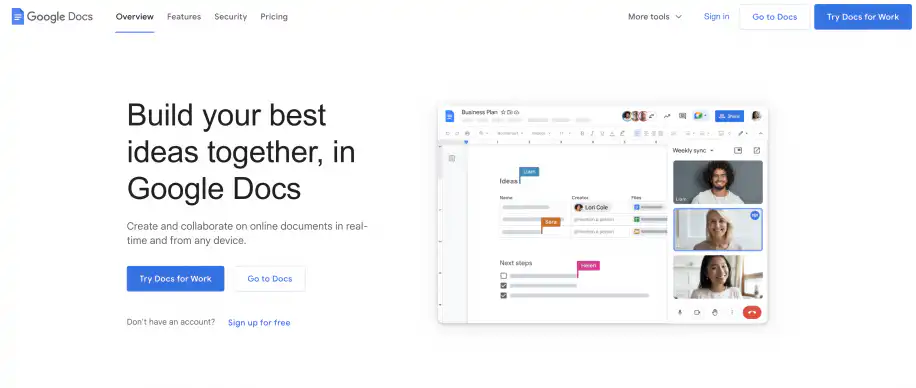
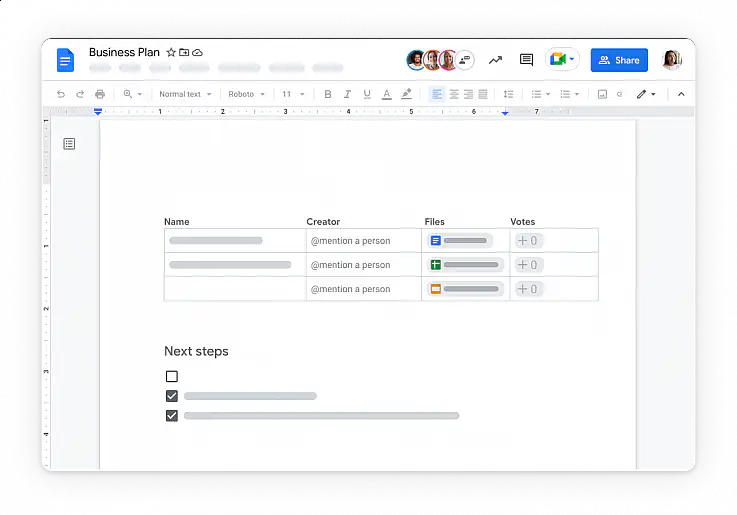
Google Docs is a cloud-based document storage and editing application that allows users to create, edit, store, and collaborate on documents. As with any online service, it is crucial to consider the security of your documents when using Google Docs.
How secure are Google Docs?
To ensure user data safety, Google has implemented several measures for protecting users and their documents. Google encrypts your documents in transit with TLS and at rest with 256-bit AES, which helps to protect against data breaches and malicious intruders. In addition, all of your documents are securely backed up in the cloud so that they remain available even if something happens to your computer or device. Docs also keeps a version history, so you can restore an earlier copy of a document.
Google also has several options to help control who can access documents stored on Google Docs. For example, you can set up different access levels for specific users, such as allowing only certain individuals to view or edit documents. This helps prevent unauthorized access from external sources.
Google also offers two-factor authentication for an added layer of security. This requires users to enter both their password and a code sent to their mobile device before accessing documents.
Can Google Docs be password protected?
Google Docs has no built-in way to put a password on a single document. You control who can open it through its sharing settings, and you protect your Google account with a strong password and 2-Step Verification. The sharing settings also let you stop viewers and commenters from downloading, printing, or copying the file, and Google Workspace admins can add data loss prevention rules. If you need a password-protected copy, convert the document to a PDF and add a password with a PDF tool. For spreadsheets, see our guide on how to lock and password protect a Google Sheets file.
Google Docs security tips
Although Google has implemented several measures to protect user data, users should take additional steps to ensure their documents are secure. Here are some tips for using Google Docs safely and securely:
- Create strong passwords that cannot be easily guessed.
- Use two-factor authentication for an added layer of security.
- Make sure all shared documents are only accessible to the intended recipients.
- Regularly review user access and remove any users who no longer require access. You can also share files temporarily so access ends on a set date.
- Set up automated alerts to notify you if someone attempts to access your documents.
- Use a secure connection when accessing Google Docs.
- Avoid downloading documents to your computer unless absolutely necessary.
- Ensure that all documents are up-to-date and stored on Google Docs.
- Regularly back up your documents in case of data loss.
- Avoid using public networks when accessing Google Docs.
- Make sure to log out of your account when done working on documents.
- Delete documents that are no longer relevant or needed.
- Be aware of phishing attacks and other malicious activities.
- Read all terms of service before using Google Docs.
- Contact Google Support if you experience any security issues.
- Report suspicious activity to Google as soon as possible.
With the appropriate measures, users can ensure their data is secure when using Google Docs. It is important to remember that security should always be a top priority, and users should take all necessary steps to protect their documents. Taking the time to set up and utilize Google’s security measures can help keep user data safe and secure.
Conclusion
Overall, Google Docs is a secure platform for creating and storing documents, as long as you manage sharing and account access carefully. With its encryption technology, backup options, and two-factor authentication, your data is protected from potential threats. Therefore, it can be used confidently for all your document-related needs.
To learn more about Google Docs security, see Google’s help page on sharing files from Google Drive.
If you share data from Google Sheets with other teams, you can mask PII automatically before it reaches them. Sheetgo’s automations move data between spreadsheets on a schedule and can use AI to transform it along the way.

 English
 Español
 Português do Brasil
 Français