
Connect QuickBooks to Google Sheets with Sheetgo via API
Effortlessly import financial data such as invoices, transactions, and expense reports from QuickBooks into Google Sheets using Sheetgo’s API integration. Automate your financial workflows and maintain real-time financial oversight without any coding.
Trusted by companies large and small












Use cases
How teams use Quickbooks and Sheetgo
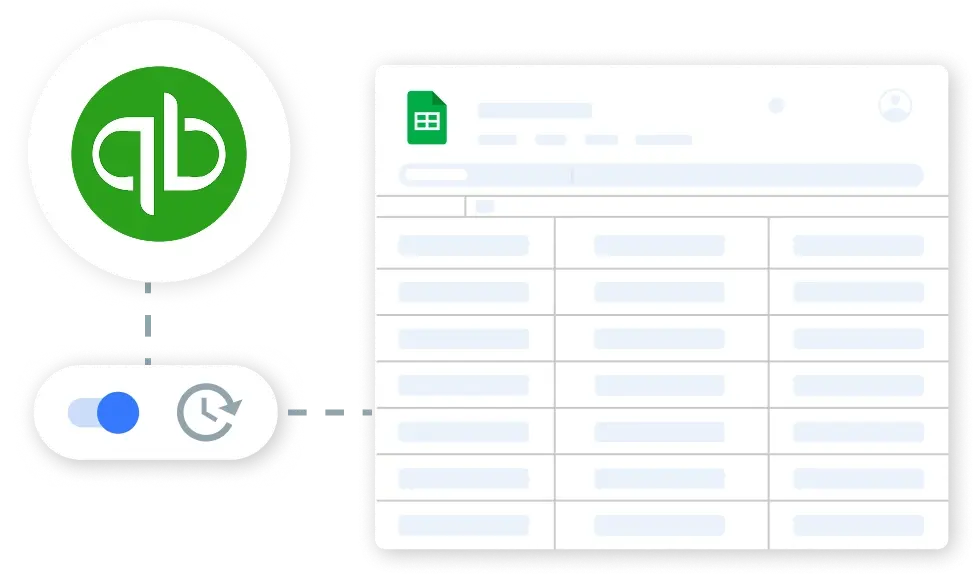
Retrieve QuickBooks Financial Transactions Automatically
Leverage Sheetgo to automatically pull detailed transaction data from QuickBooks into Google Sheets. Configure daily or hourly syncs to keep your financial records consistently up-to-date and accurate.
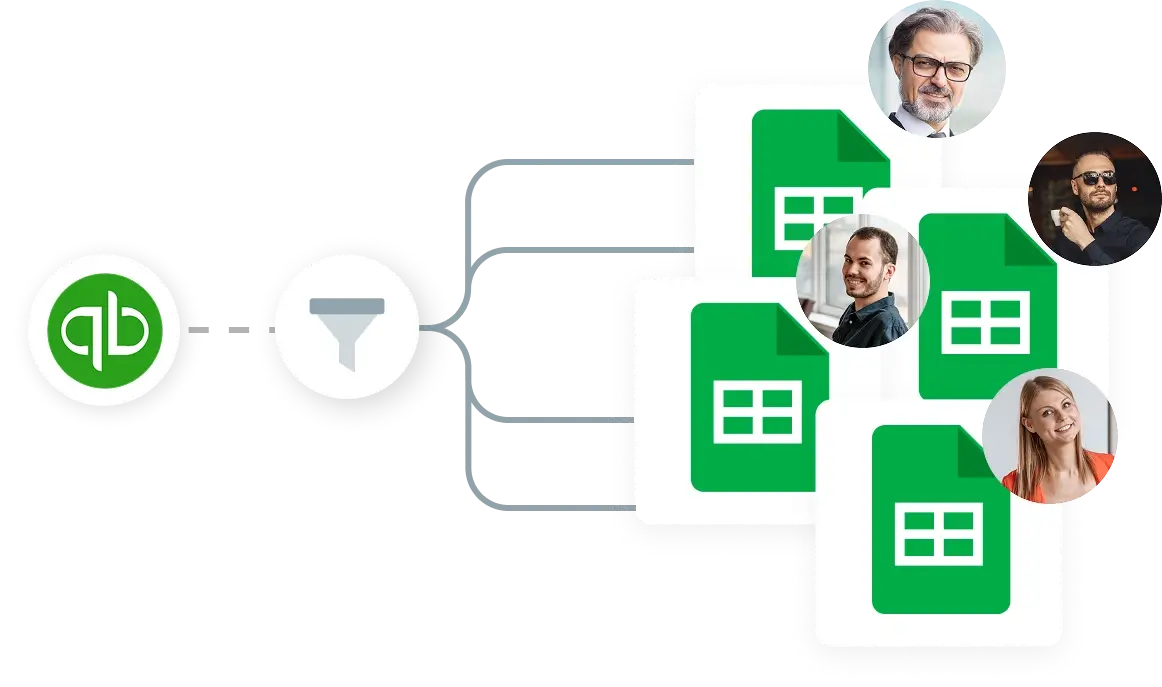
Filter and Categorize QuickBooks Expenses
Utilize Sheetgo’s filtering capabilities to categorize and analyze expenses from QuickBooks in Google Sheets. Set conditions to separate transactions by type, amount, or date, enabling streamlined financial management and reporting.
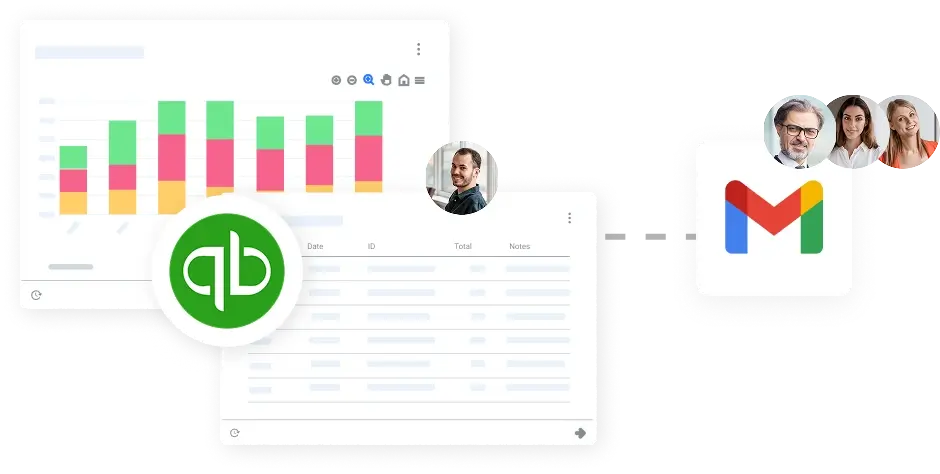
Create a Live Financial Dashboard from QuickBooks Data
Build dynamic financial dashboards in Google Sheets using live data from QuickBooks. Visualize cash flow, expenses, and revenue trends in real-time, and share these insights with your team or financial advisors to facilitate informed decision-making.
Security
Secure by design
Your data stays in your systems, giving you full control and fast-track approval from day one.


More integrations via API


 English
  Español
  Português do Brasil
  Français