
Connect Trello to Google Sheets with Sheetgo via API
Seamlessly import your Trello board data, including tasks, project statuses, and team assignments into Google Sheets using Sheetgo’s API connector. Automate data flows, enhance project tracking, and optimize team collaboration without any coding.
Les entreprises de toutes tailles nous font confiance












Cas d'utilisation
How teams use Trello and Sheetgo
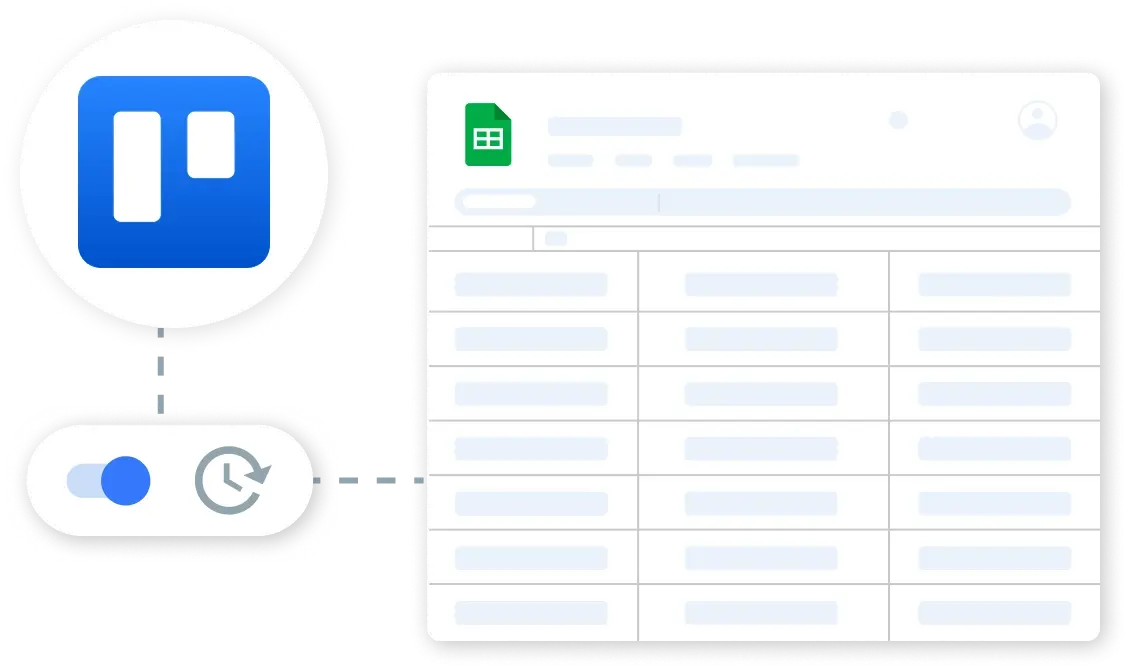
Retrieve Trello Board Activities Automatically
Automatically sync your Trello board data such as tasks, comments, and due dates into Google Sheets. Set up Sheetgo to perform hourly or daily updates, ensuring your project management data is always current and accessible.
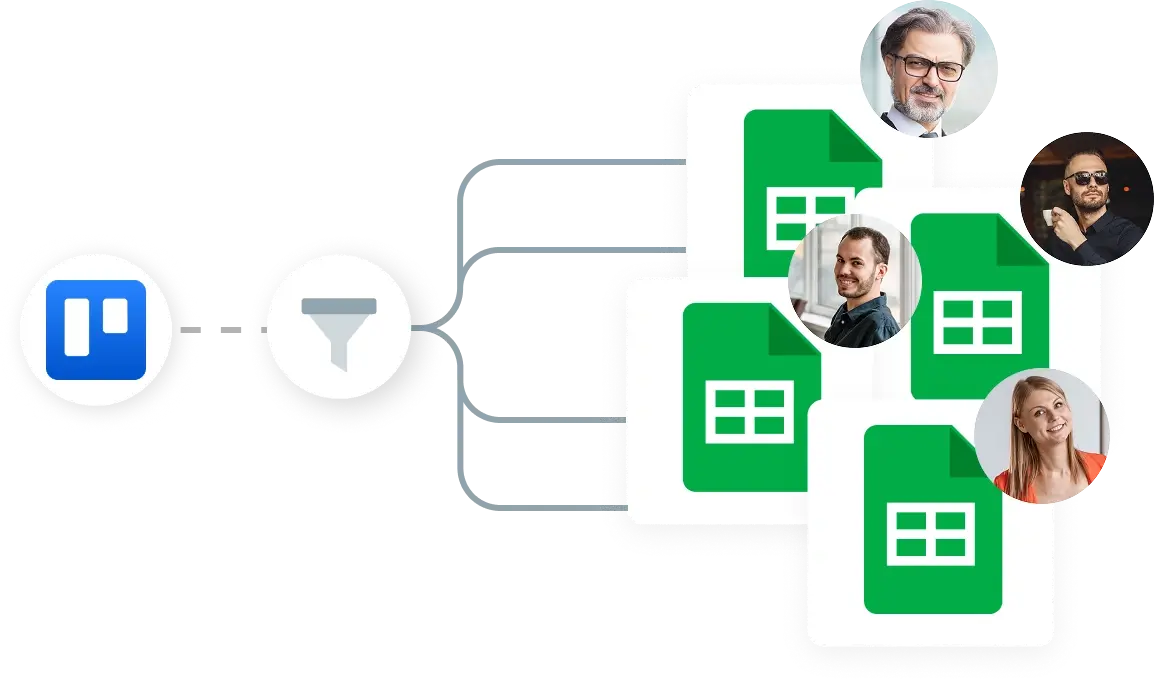
Filter and Organize Trello Tasks by Status or Member
Utilize Sheetgo’s filtering capabilities to organize tasks from Trello by status (e.g., In Progress, Completed) or by assigned team member in Google Sheets. Automate these processes to maintain a clear, actionable overview of project progress without manual sorting.

Create Dynamic Project Dashboards from Trello Data
Build comprehensive, real-time project dashboards in Google Sheets using data imported from Trello. Visualize task completion rates, project timelines, and resource allocation. Share these live dashboards with stakeholders to enhance transparency and decision-making.
Sécurité
La sécurité dès la conception
Vos données restent dans vos systèmes, ce qui vous donne un contrôle total et une approbation rapide dès le premier jour.


Plus d'intégrations via l'API


 English
  Español
  Português do Brasil
  Français