
Connect Airtable to Google Sheets with Sheetgo via API
Seamlessly import your Airtable data into Google Sheets using Sheetgo’s API connector. Automate data synchronization, enhance reporting, and manage projects more effectively — all without needing to code.
La confianza de grandes y pequeñas empresas












Casos de uso
How teams use Airtable and Sheetgo
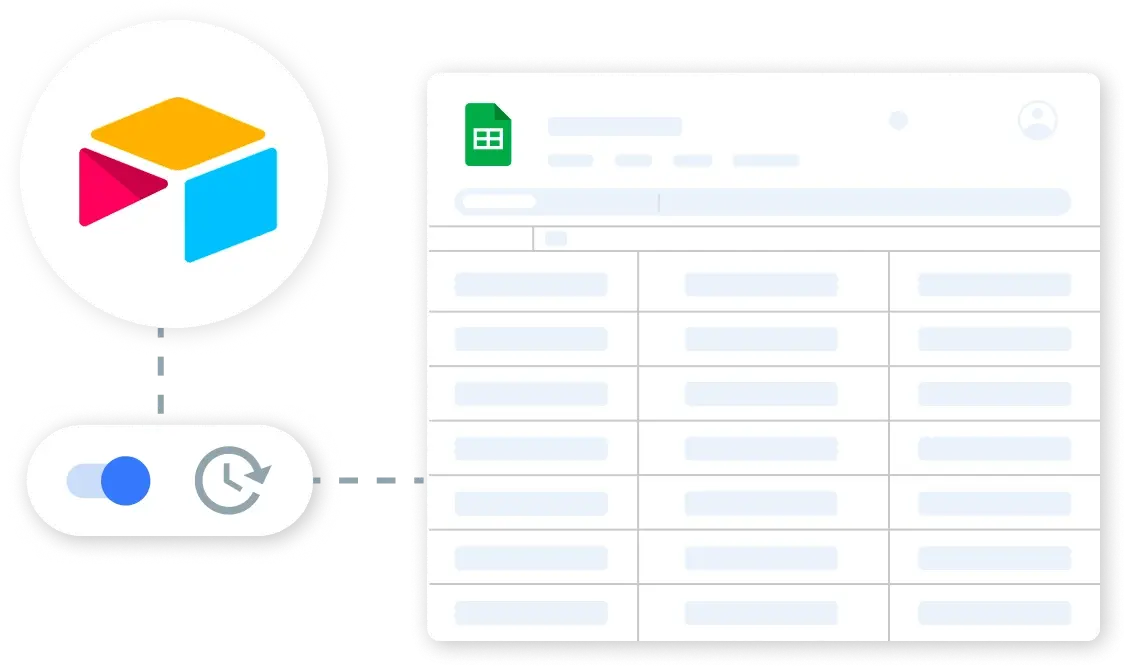
Retrieve Airtable Records Automatically
Automatically sync your Airtable bases with Google Sheets to keep project timelines, task lists, and client information up-to-date. Set up triggers for hourly or daily updates to ensure your data is always current.
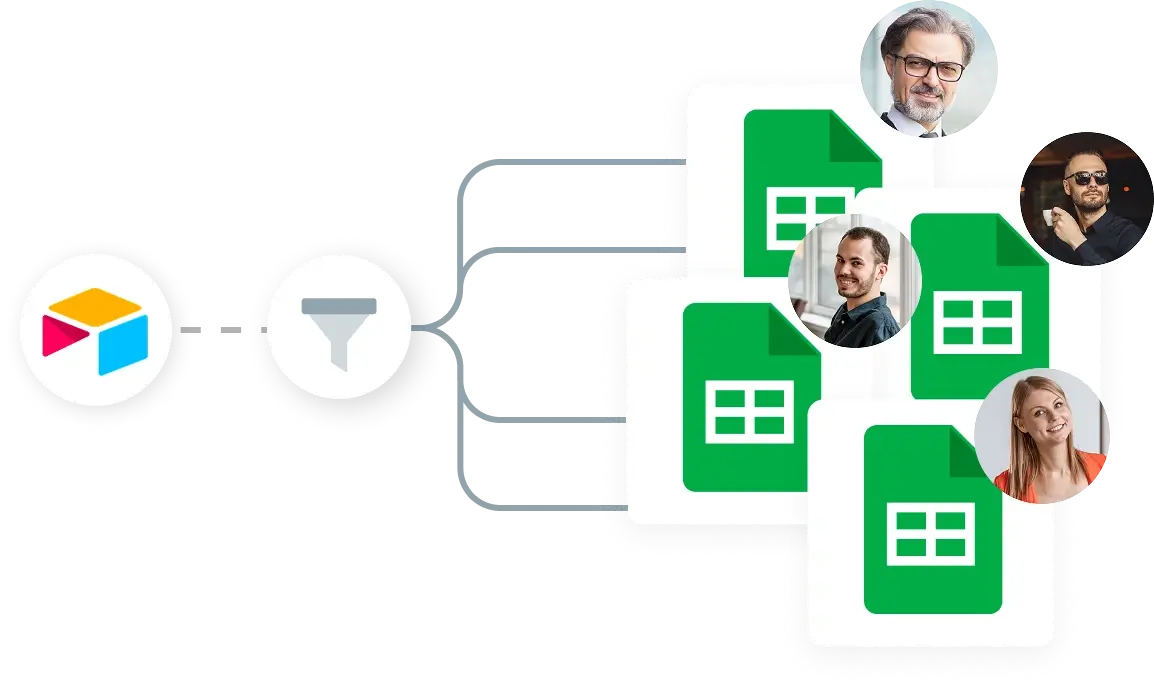
Filter and Organize Airtable Data
Utilize Sheetgo’s filtering capabilities to organize Airtable records by specific criteria, such as project status or client priority. Automatically append new records to your Google Sheets, keeping your datasets comprehensive and neatly organized.

Create Dynamic Project Dashboards
Build interactive, real-time dashboards in Google Sheets using data pulled from Airtable. Track project progress, visualize key metrics, and share insights with stakeholders to enhance collaboration and decision-making.
Seguridad
Seguridad desde el diseño
Sus datos permanecen en sus sistemas, lo que le proporciona un control total y una aprobación rápida desde el primer día.


 English
  Español
  Português do Brasil
  Français